Our biggest drop yet. A brand-new authoring experience that turns a plain-English prompt into a real, editable course, an assistant that answers questions about your workforce with receipts, smarter training paths that catch people when they fail — wrapped in a platform-wide visual refresh.
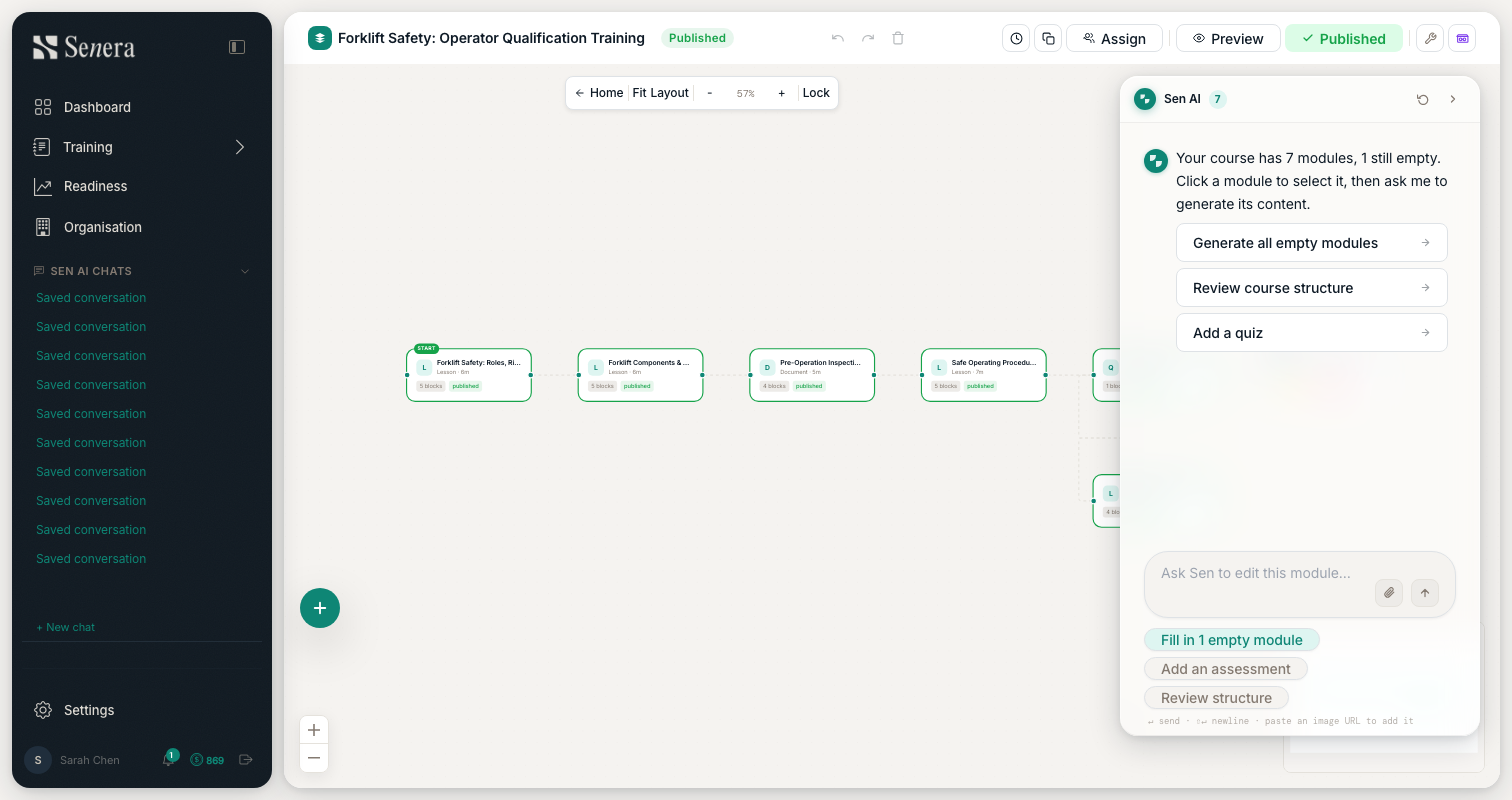
AI Studio — course authoring, rebuilt
The whole authoring flow now runs on a multi-agent pipeline. Describe what you need in plain English and watch a real course take shape — with a review step before anything changes.
Create a course from a chat prompt and watch it build with live streaming progress.
Review the plan and structure before anything is built — you approve first.
Structure appears in seconds; block content fills in quietly in the background.
Every AI edit lands in a review banner with a per-block diff before you accept it.
Generate block imagery with the upgraded image model, and attach a PDF or image to ground the content — even scanned documents are read with OCR.
New interactive block types: branching scenarios, knowledge checks, hotspot images, callouts and step-by-step guides.
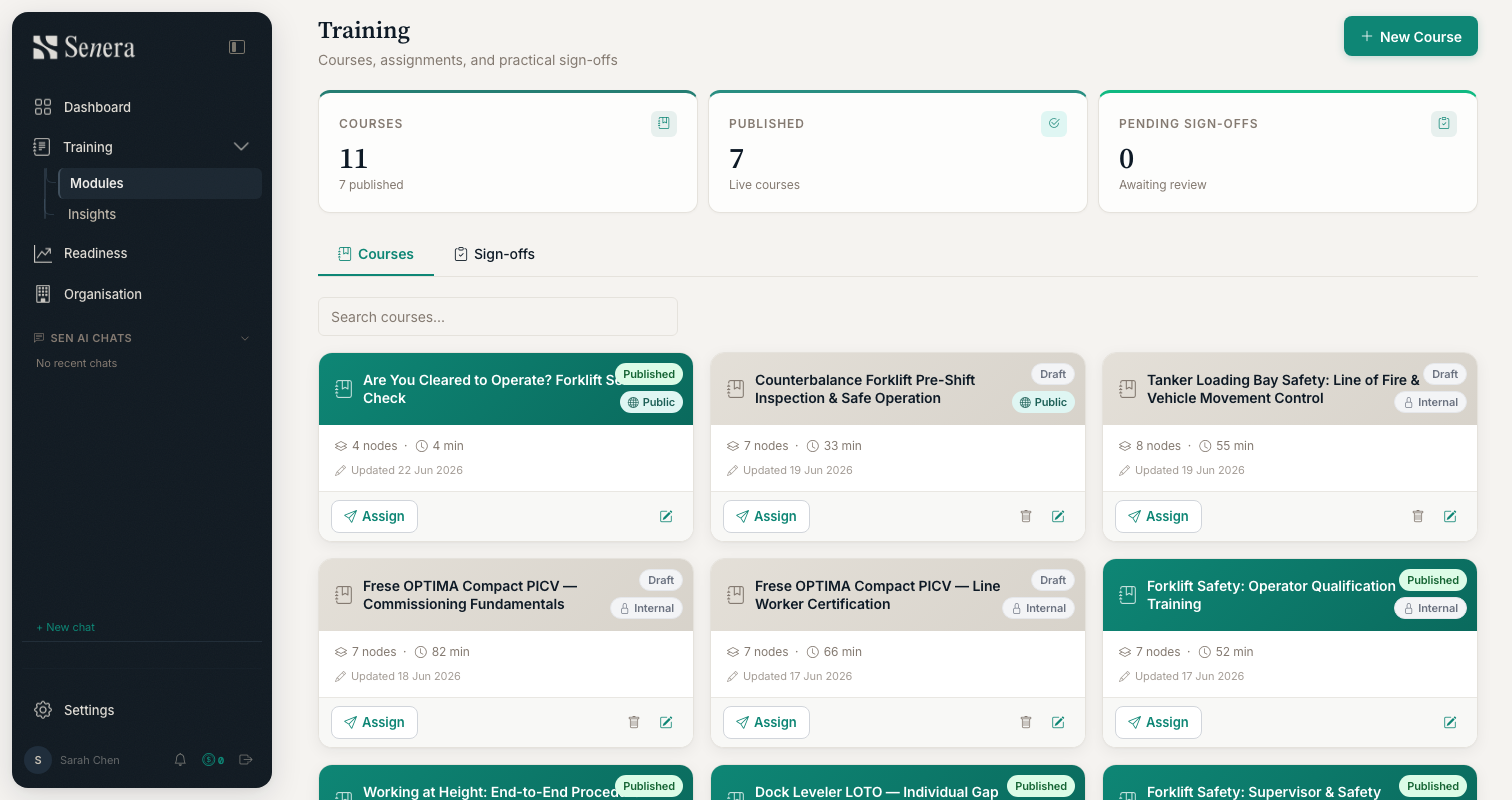
Open any module straight into Studio — Training cards now jump you right into the editor.
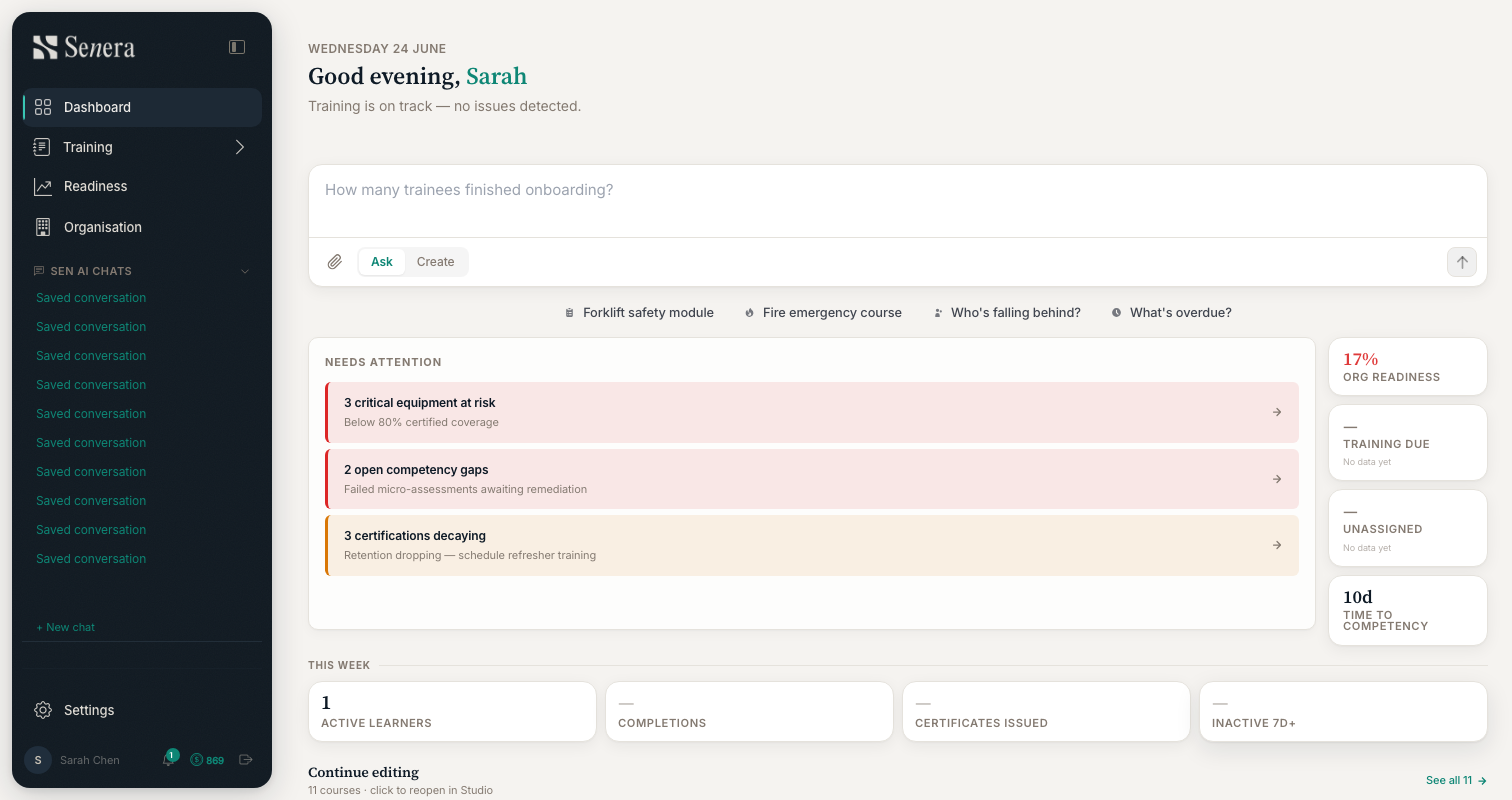
Ask Sen — answers about your workforce, with receipts
Ask a plain question on your dashboard — “who's overdue on safety refreshers?” — and get an answer grounded in your actual training records, with citations.
Ask readiness and training questions right from the dashboard Ask bar.
Answers about a person lead with the deployability verdict, backed by the records behind it.
Data stays fresh automatically — completions, sign-offs and assessments update the picture as they happen.
If Senera can't answer from your data, it says so honestly — no made-up numbers.
Training paths that catch people when they fail
Attach a refresher to any assessment. Learners who fail are routed through it and back on track — and certificates wait until the gap is closed.
Attach a remediation module to any assessment in Studio — suggest it, or require it.
Failers are guided into the refresher and returned to the course spine automatically.
Certificates respect remediation: no pass-by-skipping when a refresher is required.
Reordering a course is now seamless — drag modules right on the canvas with a live insertion indicator.
A platform-wide visual refresh
A single design system now drives Senera end to end — consistent colour, type, motion and feedback on every page.
New floating navigation and a cleaner, calmer workspace.
Buttons that do work show a busy state — never a dead click.
Errors surface as branded toasts and dialogs, never raw browser alerts or blank pages.
Branded loading skeletons replace blank flashes while pages load.
Also in this release
•
Courses, rebuilt as a hub
One flat Courses item in the navigation — no more hunting through accordions.
Rich course rows with per-course engagement at a glance, plus instant search over your whole catalogue.
A proper course detail page, and an org-wide strip showing enrolled learners, stalled learners and average completion.
The old Analytics section is retired — its insights now live where you work.
•
Share links that count
Public course links now track completion properly — the completions view and CSV export show who actually finished, including anonymous learners.
•
AI you can trust
A fail-closed safety gate on AI course and module generation — unsafe output is blocked and your credits are automatically refunded.
Every AI generation is audited, and image generation now has a simple flat credit price.
•
Faster, across the board
Analytics and dashboard pages load dramatically faster — reports that used to run dozens of database queries now run a handful.
Your Settings and People pages open almost instantly, with billing details loading quietly in the background.
•
People & workforce management
Invite, resend and revoke pending invitations from one panel — and inviting an existing email tells you clearly instead of failing silently.
Change roles, deactivate and reactivate members; deactivation now revokes sign-in access immediately.
Owner guard: you can't remove or demote the org owner or lock yourself out.
•
Readiness clarity
A new “What is readiness?” explainer with the definition, thresholds and what to do next.
Deployment status is derived from real completion, not just due dates.
•
Reliability & notifications
Alerts and emails are now delivered reliably, with no duplicates, even across multiple servers.
Invite and password-reset links keep working across deployments — no more broken links after an update.
Studio keeps your session fresh and warns before it expires — no more silently lost work.
•
Security & privacy hardening
Independent verification that one organisation's data cannot be reached from another's account, with additional protection against automated abuse.
•
Smarter assessments
Micro-assessment questions are grounded in your organisation's own context, with spaced-repetition reinforcement over time.
What we're building — every release. — The Senera team