Senera onboarding · Administrator guide
Publish & assign training
Take a finished course live and assign it to the right people, teams, or equipment operators.
1
Assign a course from the Training board
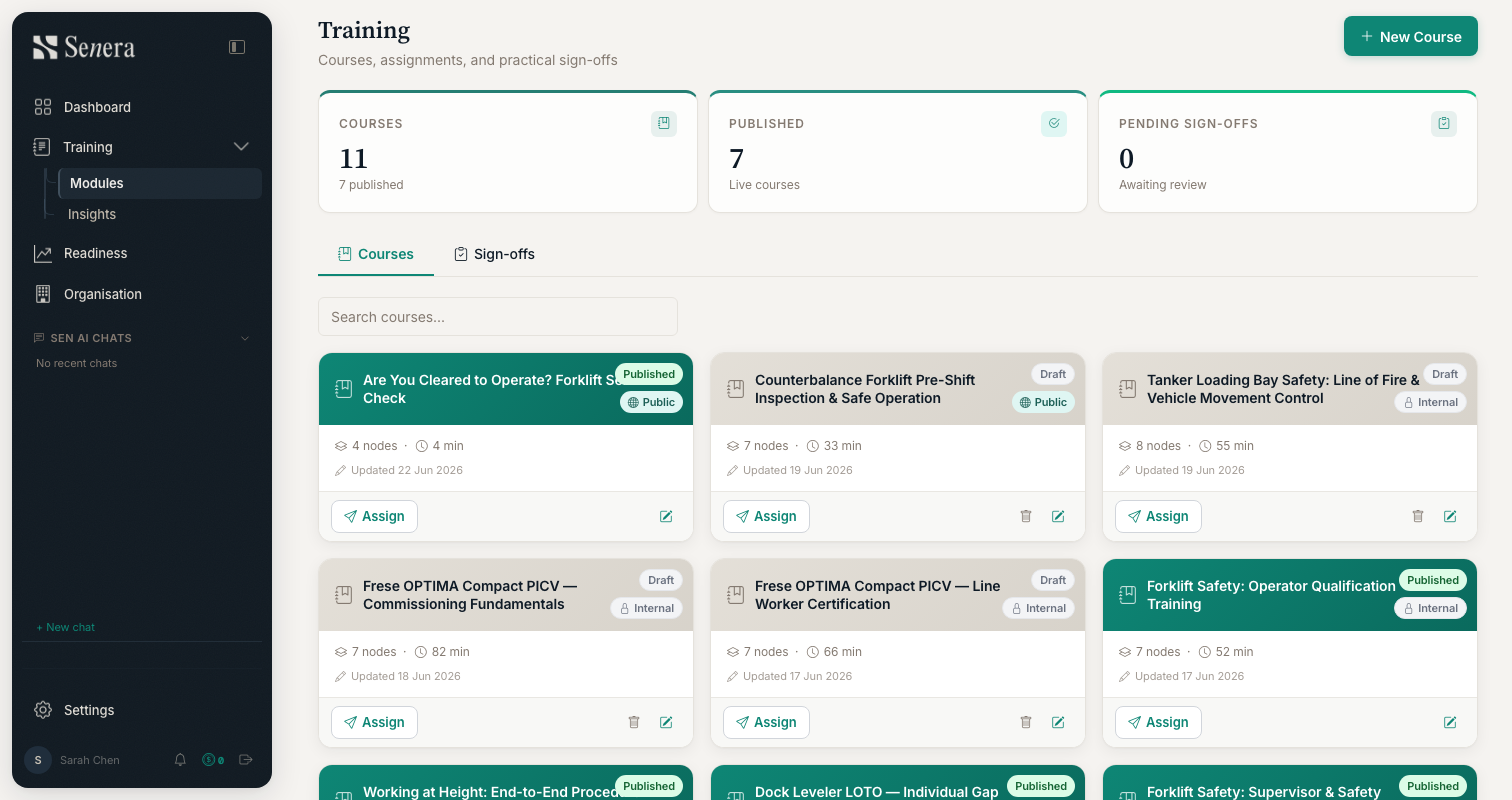
/trainingOpen Training → Modules. The cards show every course with its status (Live / Draft / Published) and module count. Use New Course to start one, or click Assign on a live course to push it to specific people, teams, or the operators of a given piece of equipment. The summary cards track total courses, published courses, and pending sign-offs.